
API settings
Configure settings related to OneComme's API.
App screen
Open the top-right menu > Settings > the "API" tab.
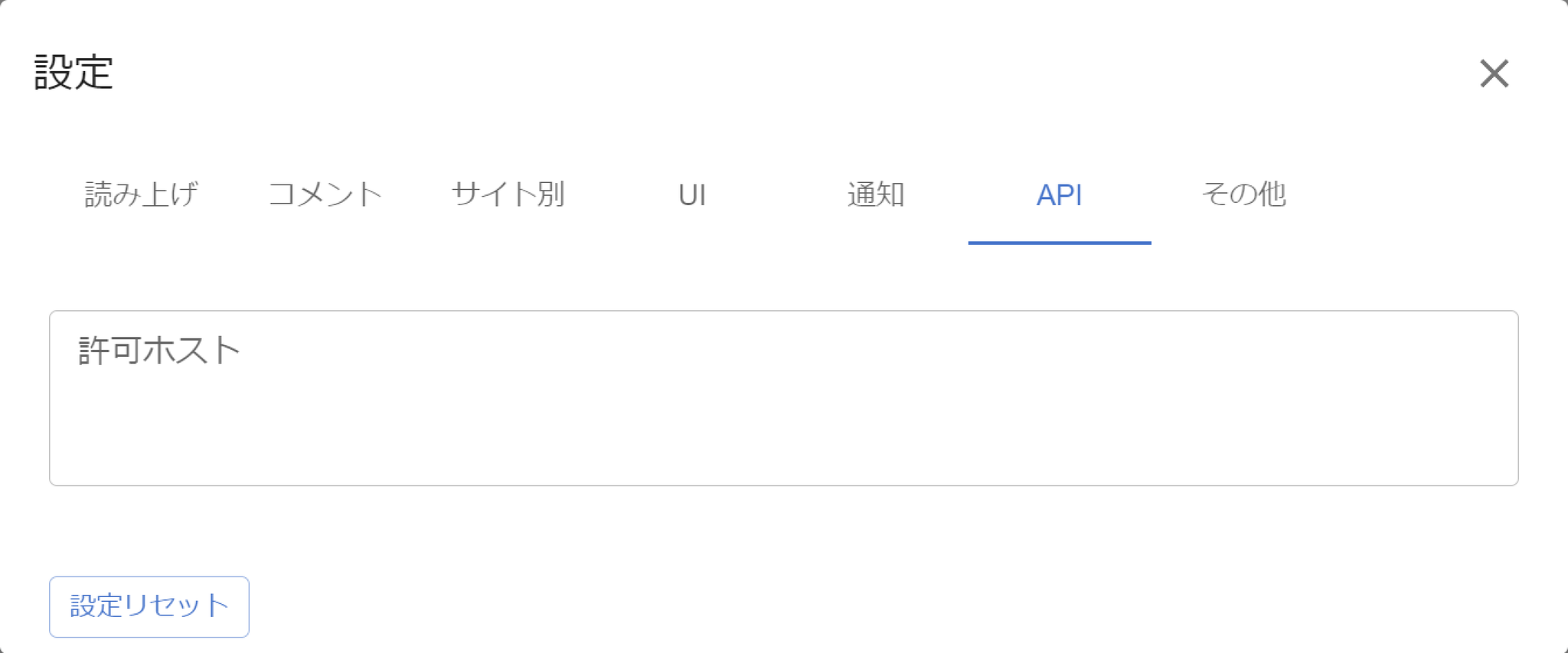 SettingsSpeechCommentsWebsite specificWebsite specificAllowed hostsReset SettingsOthers
App screen item descriptions
| Allowed Hosts | List the hosts that OneComme's API can be accessed from, one per line By default, the following local IP ranges are allowed: 10.0.0.0 to 10.255.255.255 172.16.0.0 to 172.31.255.255 192.168.0.0 to 192.168.255.255 |
|---|---|
| Reset Settings | Restores the "API" settings to their default values |