
Can't log in to Twitch
On Twitch, login failures can occur in browsers other than the major ones.
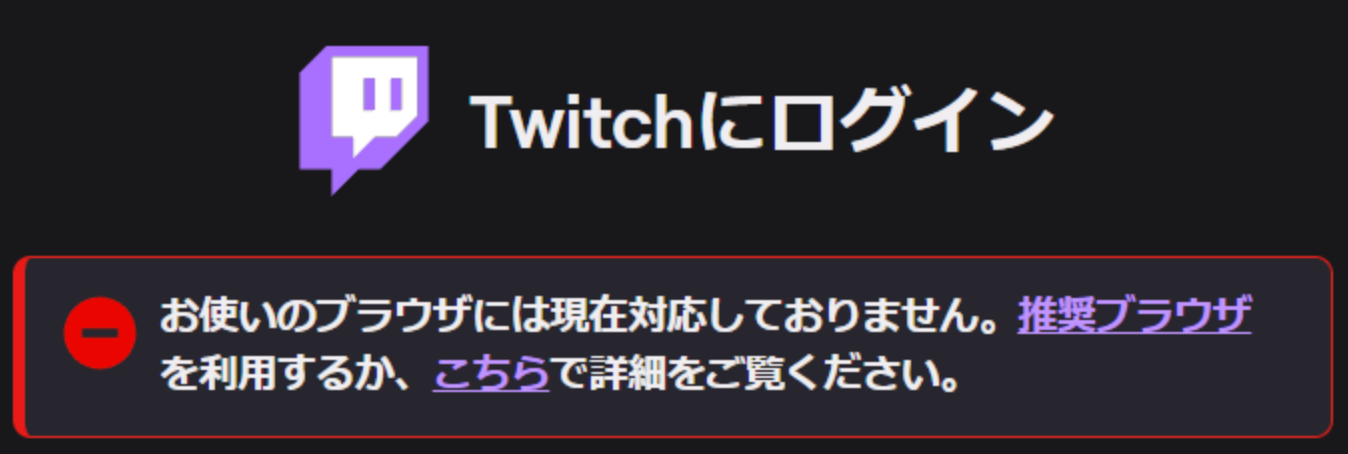 Log in to Twitch
1. Clear cache
Clearing OneComme's internal browser cache and logging in again may resolve the issue.
Caution
Clearing the cache also logs you out of all other sites.
Top-right menu > Other > Clear all cache
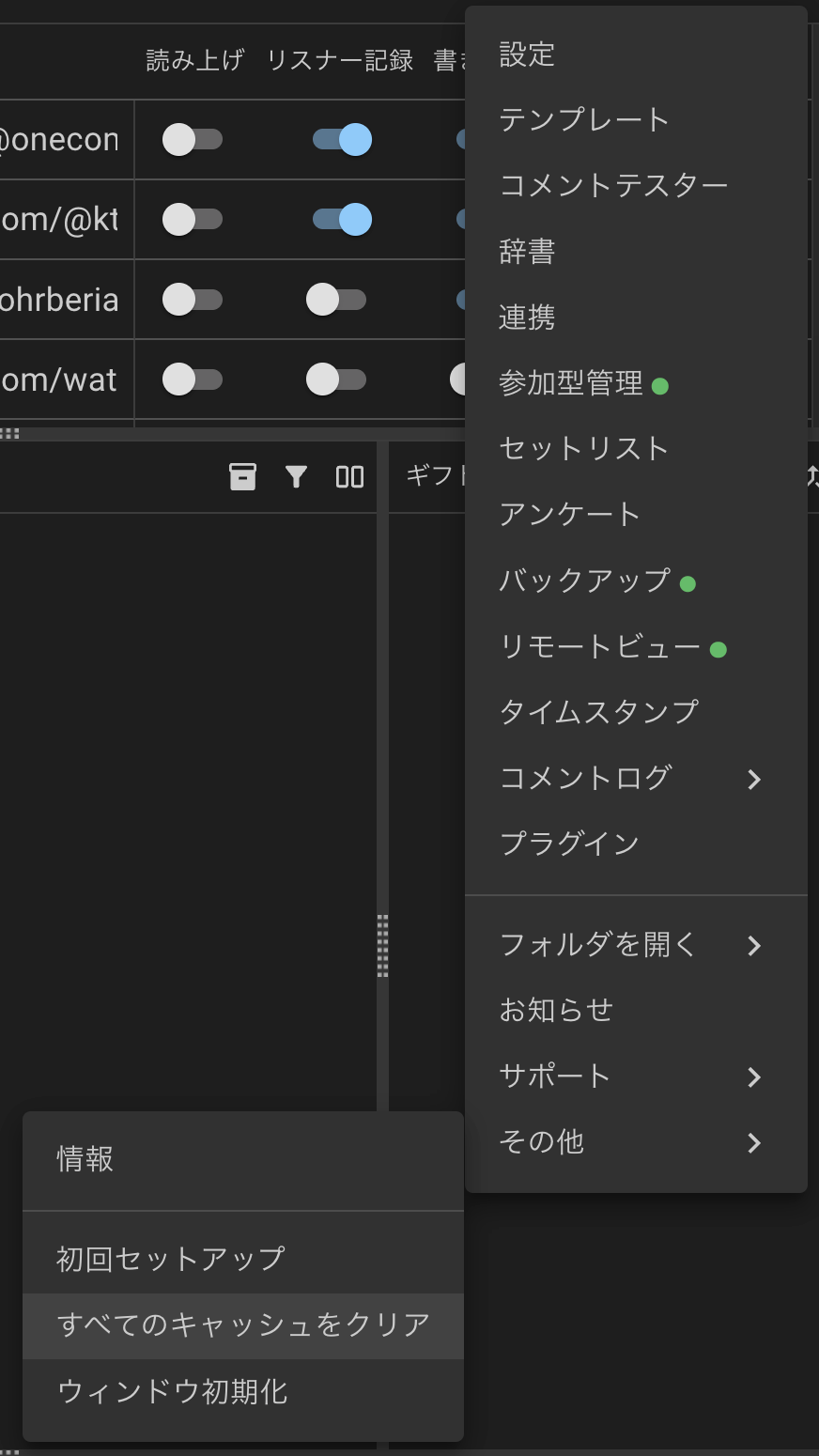 SettingsTemplatesDummy Commenter...IntegrationViewer-participating SystemSetlistPollBackupRemote ViewTimestampsComment LogPluginsOpen folderNoticeSupportOthersInfoInitial setupClear all caches.Window Initialization
After clearing the cache, try logging in again.
2. Update OneComme
Older versions also come with an older built-in browser.
Try updating OneComme and logging in again.
3. Log in from a different location
The steps are described in caico's note article.
https://note.com/caico_404/n/n600f7fadf32d
4. Try again later
Waiting a while before trying to log in again may resolve the issue.
If you still can't log in
OneComme regularly updates its built-in browser along with app updates.
Check the Discord server to see if a beta version is available.