
How to use the Template Editor
Go to the URL below, read through the content, and enter the editor page.
https://onecomme.com/generator/templates
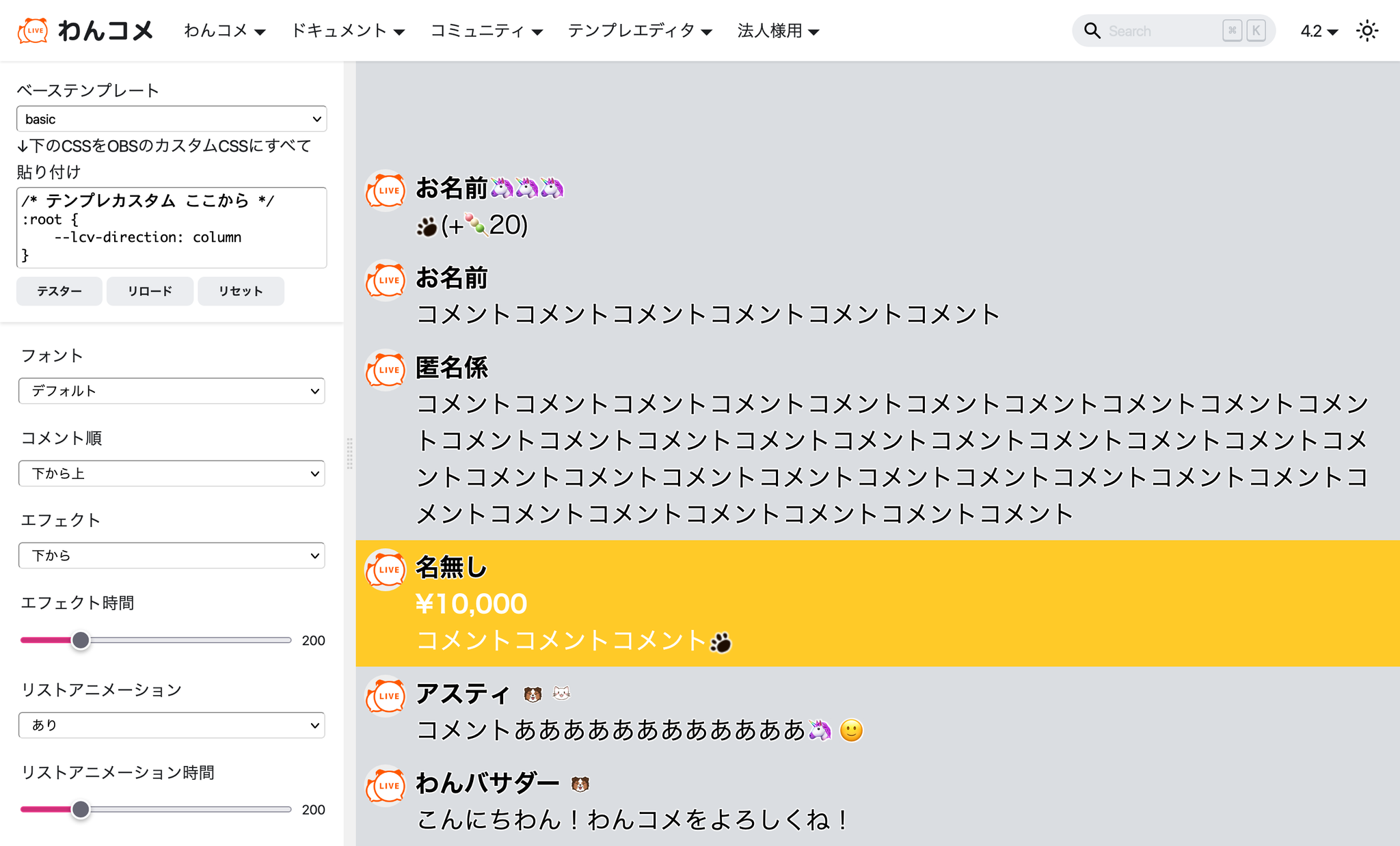 OneCommeOneComme MBase templatePaste all CSS below into OBS Custom CSSPasteTesterReloadResetFontsDefaultComment orderBottom to topEffectFrom bottomEffect durationList animationONList animation durationCommentsCommentsCommentsCommentsCommentsCommentsCommentCommentCommentCommentCommentCommentCommentCommentCommentCommentCommentCommentCommentCommentCommentCommentCommentCommentCommentCommentCommentCommentCommentCommentCommentsCommentsCommentsHi-wan! Enjoy OneComme
First, select a base template.
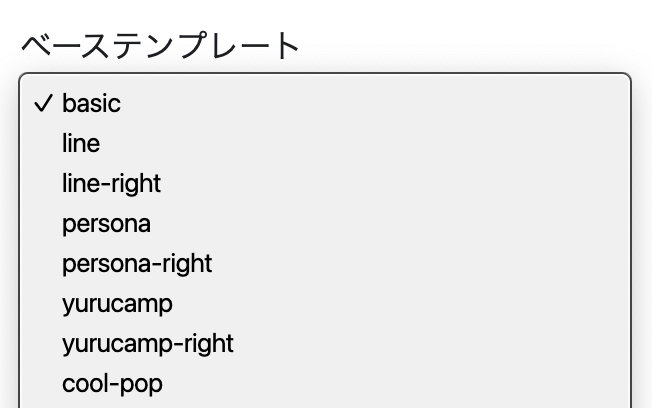 Base template
Once you've chosen a template close to what you want, change its settings below to adjust the appearance.
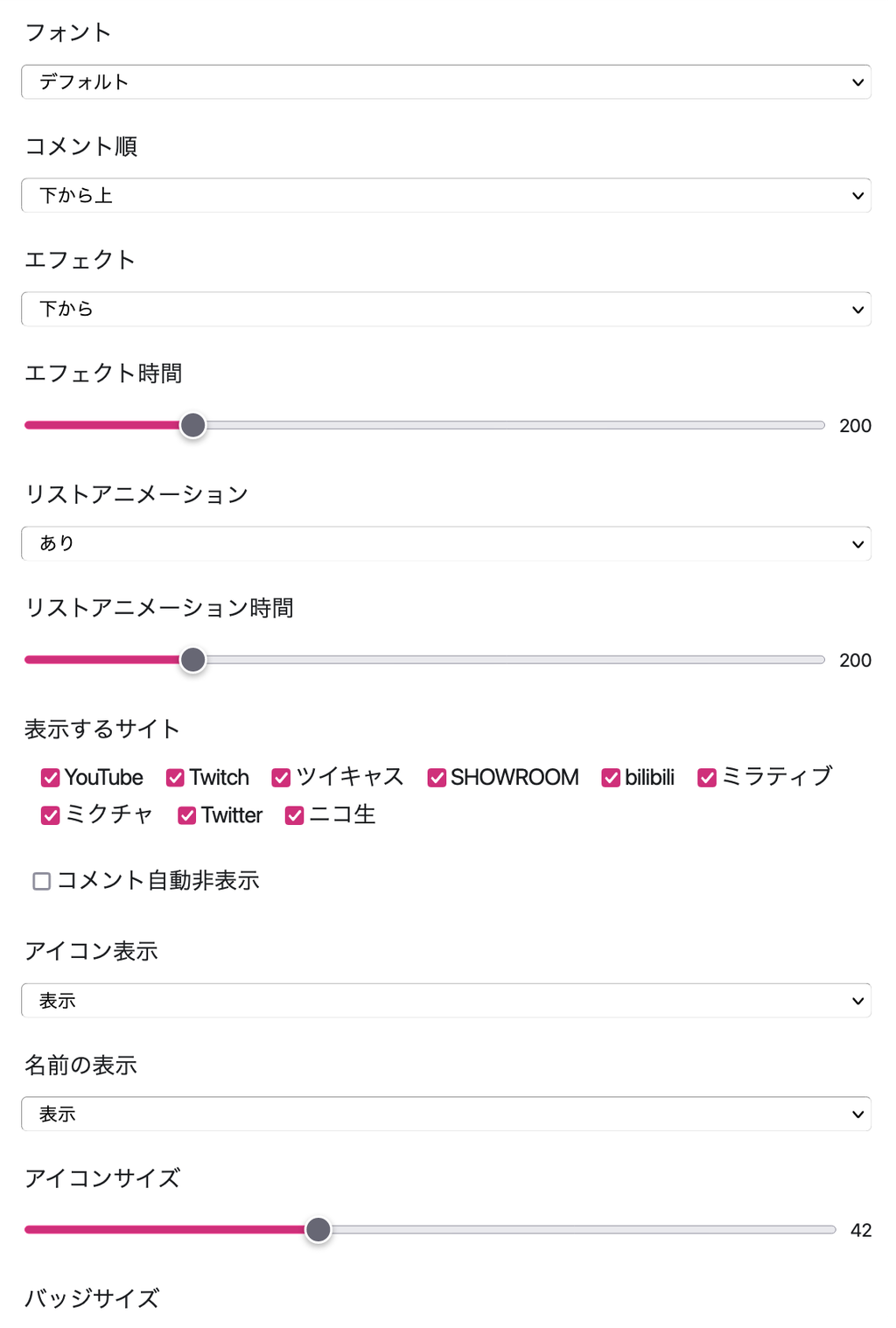 FontsDefaultComment orderBottom to topEffectFrom bottomEffect durationList animationONList animation durationSite to displayMIXCHANNELAuto-hide commentTwitCastingNico LiveIconDisplayDisplayShow nameDisplayIcon sizeBadge SizeMirrativ
Once you're happy with the look, copy the CSS at the top.
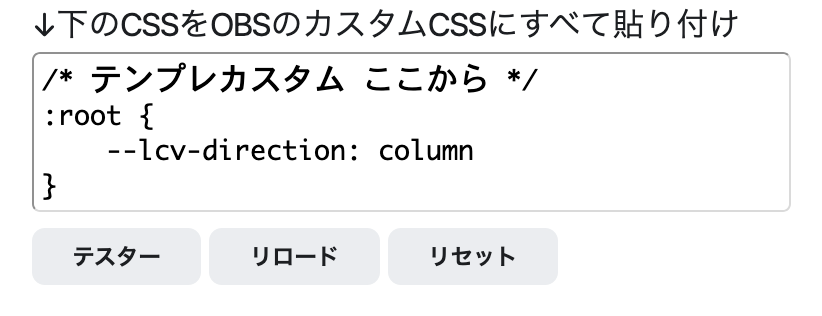 Paste all CSS below into OBS custom CSSTesterReloadReset
Following the steps in "Show comments in OBS" below, add the same template as the base template to OBS.
Open the browser source settings screen for the added template and paste the CSS you copied earlier.
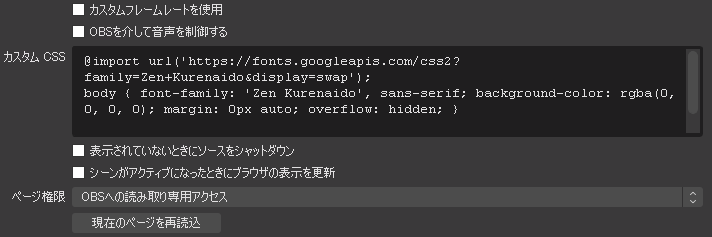 Use custom frame rateControl audio via OBSShut down source when not visibleRefresh browser when scene becomes activeRead-only access to OBSReload current page
Click "Apply" and your comments will display with the customized template.
That's it.
How to use the tester
Use this to check the display of templates where comments disappear, such as flipboard.
Click "Tester" in the section below.
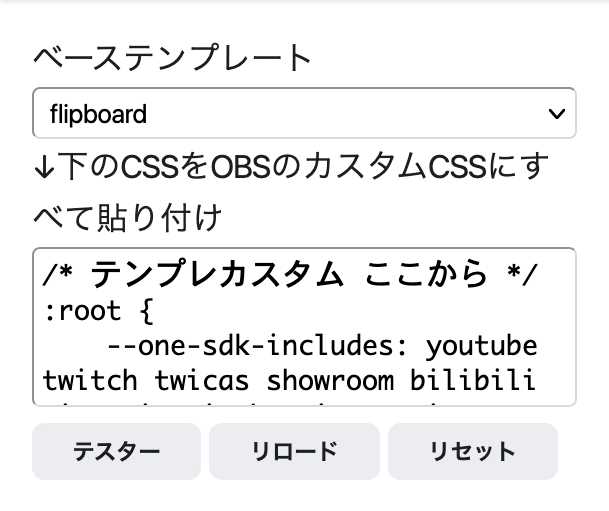 Base templatePaste all CSS below into OBS customCSSReloadReset
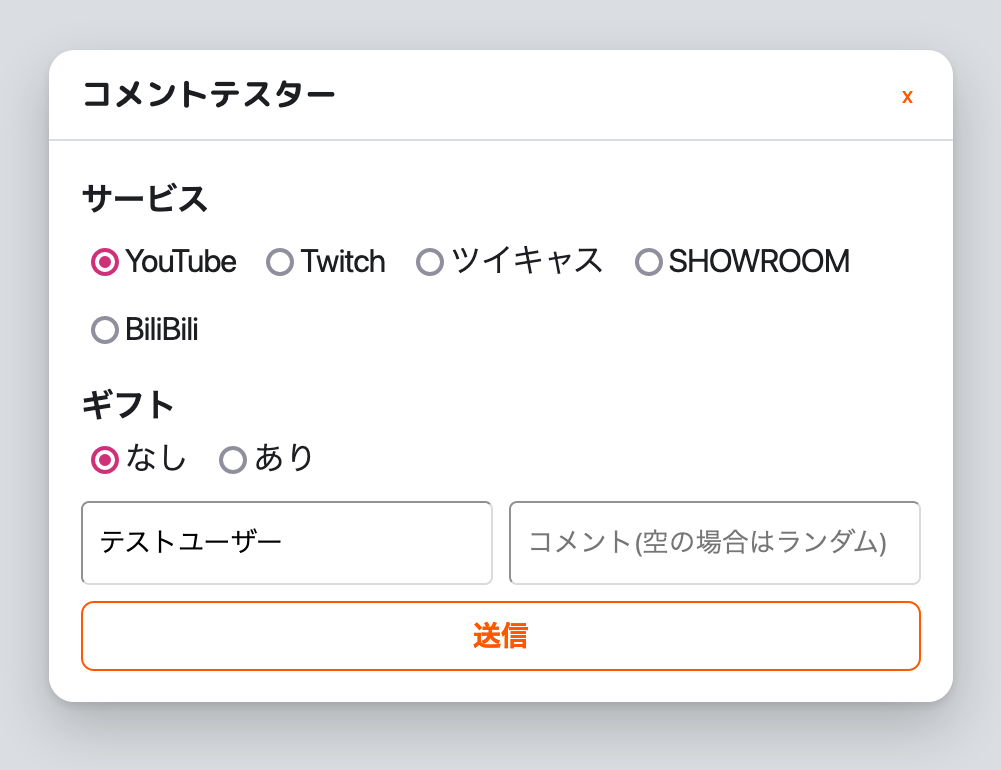 Dummy CommenterServicesGiftsNone ○ YesTestUserComment (random if empty
Configure the platform to simulate, whether to include a gift, and so on, then enter a username and comment and send it — the comment will be added to the template preview.
(Sending a comment with no text adds a random comment.)
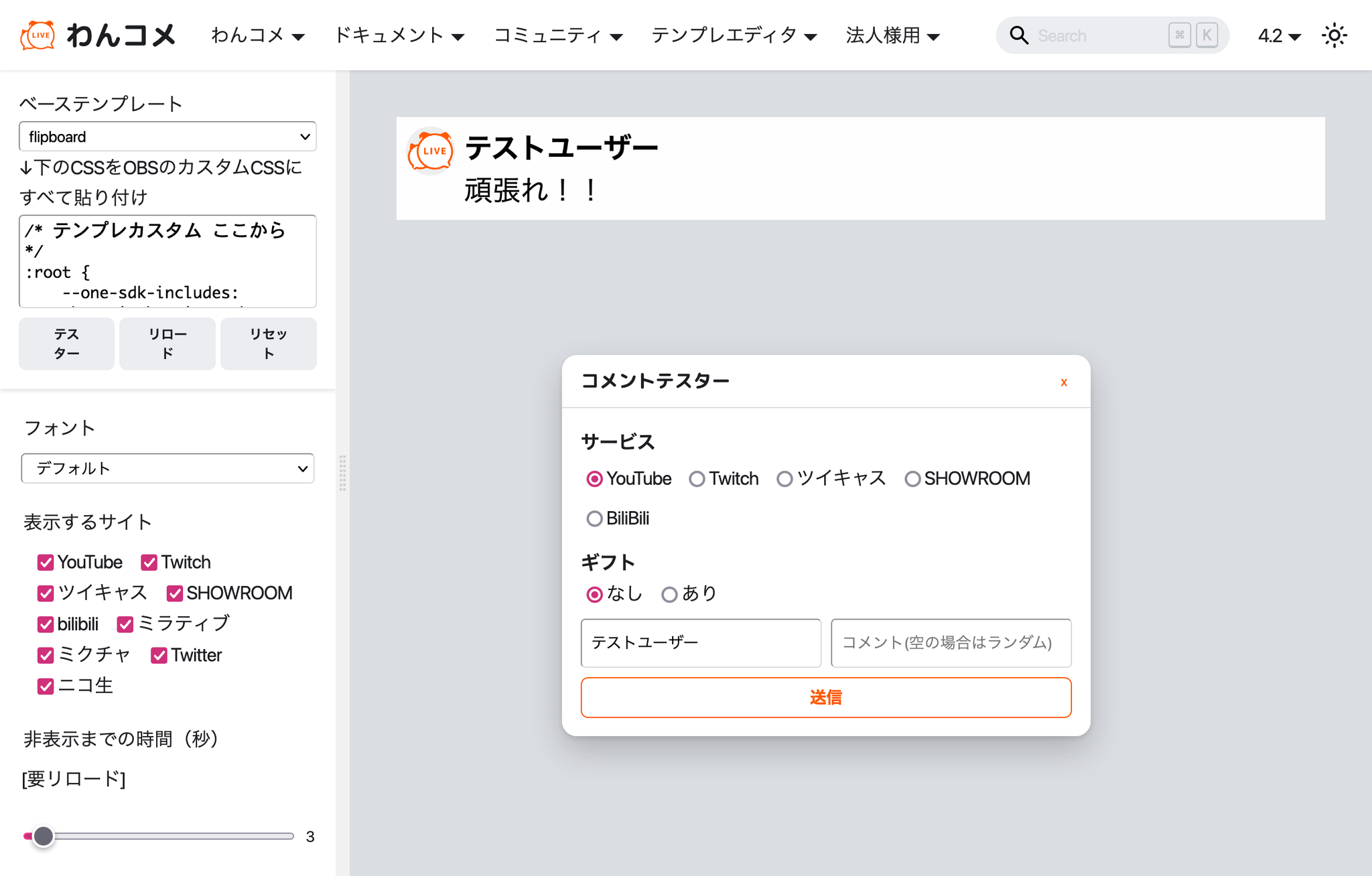 OneCommeBase templatePaste all CSS below into OBSAllPasteTesReloReseTestUserFontsDefaultSite to displayTwitCastingMIXCHANNELManico LiveMirrativTime until hide (secDummy CommenterServicesGiftsNone ○ YesTestUserComment (random if empty