
How to get a license
How to get a PRO license
OneComme PRO is a plan available based on your support status on FANBOX. The plans are structured as follows:
| Free | Basic features and standard templates are available |
| Light (for FANBOX supporters) | In addition to the free plan, exemption from crediting in the stream description and the ability to send feature requests |
| Pro (for FANBOX supporters) | All PRO features are available |
Note
The Light plan is used to determine FANBOX integration status, but does not grant PRO features
To use PRO features, you need to support at the Pro plan or above
There are two ways to start using PRO:
- ① Authenticate with FANBOX inside the app (recommended, no key entry required)
- ② Get a traditional license key and register it
① Authenticate with FANBOX inside the app (recommended)
Open "License" from the "..." menu in the top right of OneComme
In the "Plan" section of the dialog, you can compare the contents of each plan
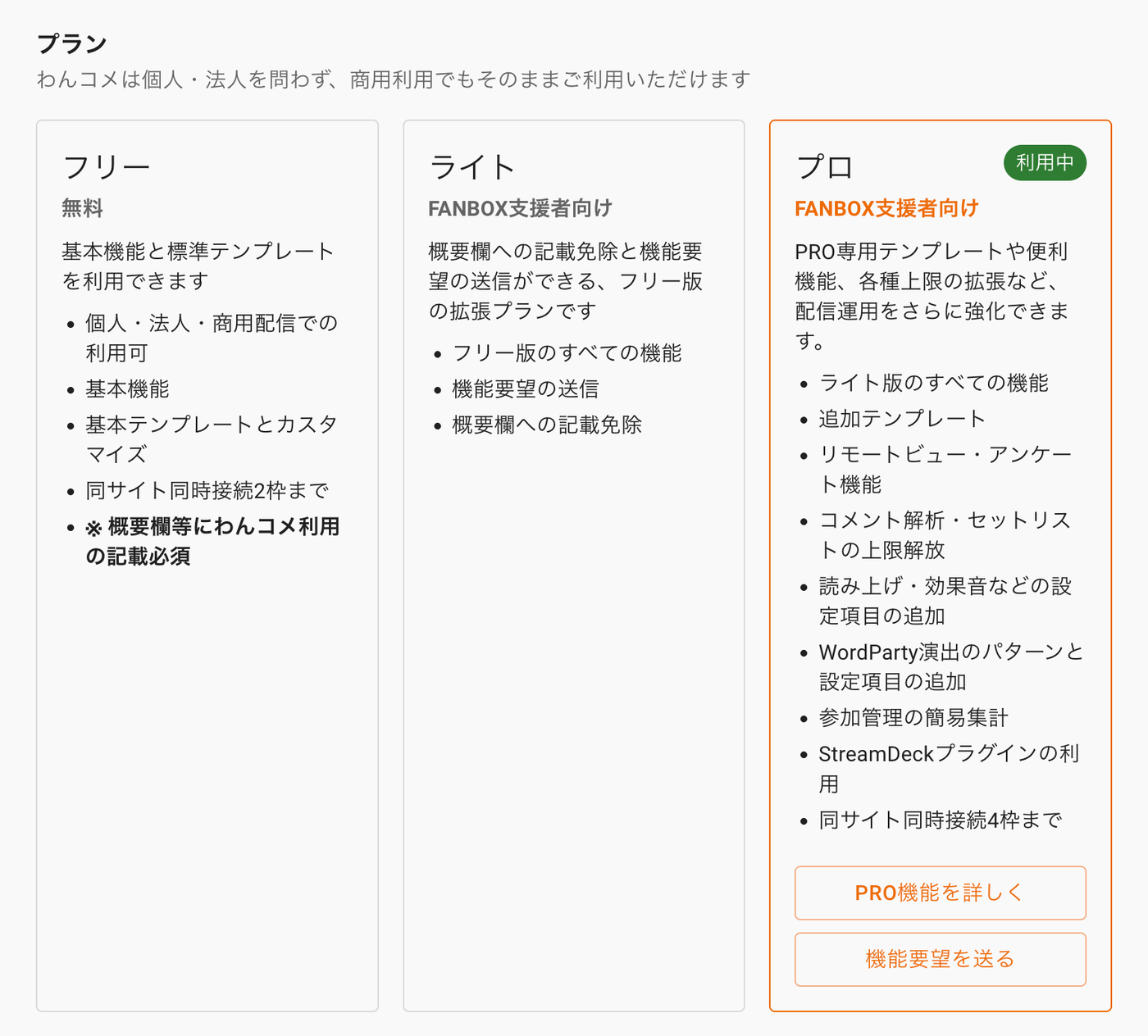 PlanOneComme can be used commercially as-is by individuals or businessesFreeBasic features and standard templatescan be usedFor individual, business, commercialstreaming useBasic featuresBasic templates and custom-izationUp to 2 connections per siteLightquest submission, an extensionplan of the Free versionAll Free version featuresSubmit feature requestsPROCurrently In UsePRO-only templates and handyfeatures, expanded limits, etc.Strengthen your stream operationsAll Light version featuresAddTemplatesRemote View, PollComment analysis, Setlistlimit removedSpeech, Sound Effects settingWordParty effect patterns andStreamDeck plugin usageUp to 4 connections per siteLearn more about PRO
Clicking "Authenticate with FANBOX" opens the FANBOX login screen
Note: to help you distinguish it from fake sites, the login screen displays the URL you're accessing
If you log in with a FANBOX account that is supporting at the Pro plan or above, your support status is automatically detected, and PRO is enabled immediately without needing to enter a key
Once authentication is complete, your support status will be checked automatically on a regular basis
② Get a traditional license key and register it (still supported)
OneComme PRO license keys are distributed on FANBOX to those supporting at the Pro plan or above (also distributed to Wancome Ambassadors, sponsors, and through campaigns, etc.)
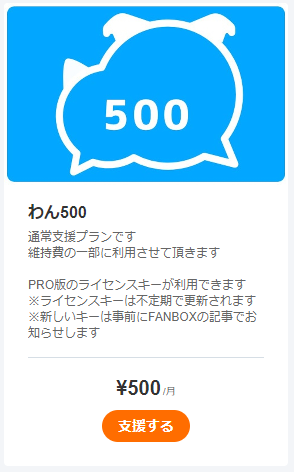 Wan500Standard support planUsed to help cover maintenance costsYou can use a PRO license keyLicense keys are updated irregularlyNew keys are announced in advancevia a FANBOX postSupport
Click "Support" and log in
(A Pixiv ID account is required to support)
After logging in, the support plans will be displayed as shown below. Check the plan details, then register or select a payment method to support
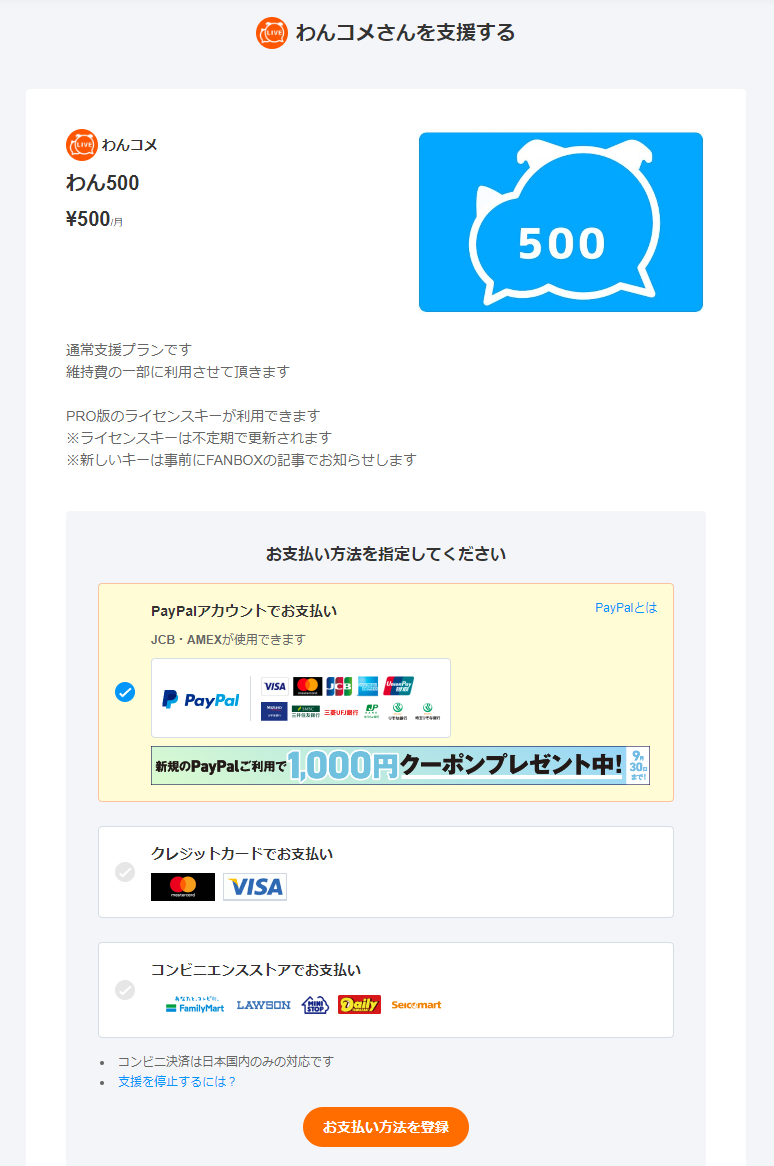 Support OneCommeOneCommeWan500Standard support planUsed to help cover maintenance costsYou can use a PRO license keyLicense keys are updated irregularlyNew keys will be announced in advance via a FANBOX postPlease select a payment methodPay with PayPal accountJCB and AMEX acceptedAbout PayPalPay with credit cardPay at convenience storeConvenience store payment is Japan onlyRegister payment method
Once your support is complete, the "PRO License Key" post on the FANBOX posts page will become viewable
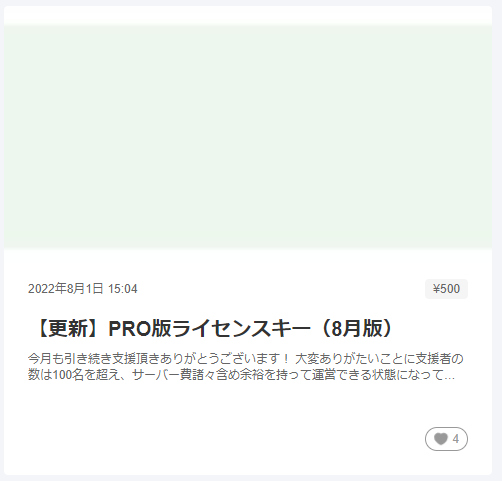 Aug 1, 2022 15:04Update] PRO License Key (August)Thanks for your support again this month! Supportersnow exceed 100, letting us cover server costs comfortably
Register the license key found in the post by following "How to register PRO"