
A warning appears during installation, and installation fails
A warning may appear when you run or open the downloaded installer or package.
Windows
If the following warning appears, click "More info" to reveal a "Run anyway" button.
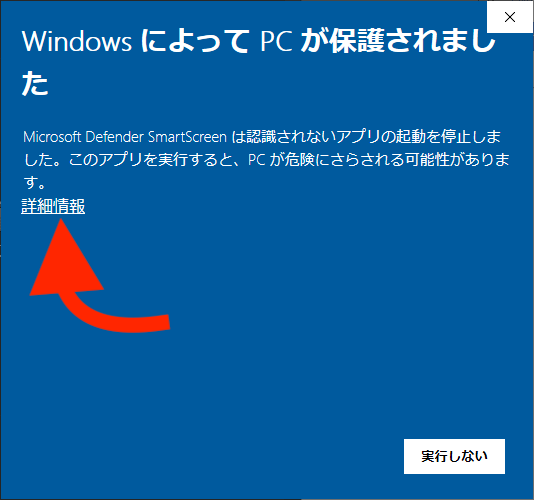 Windows protected your PCMicrosoft Defender SmartScreen prevented an unrecognized app from starting.Running this app might put your PC at risk.More infoDon't run
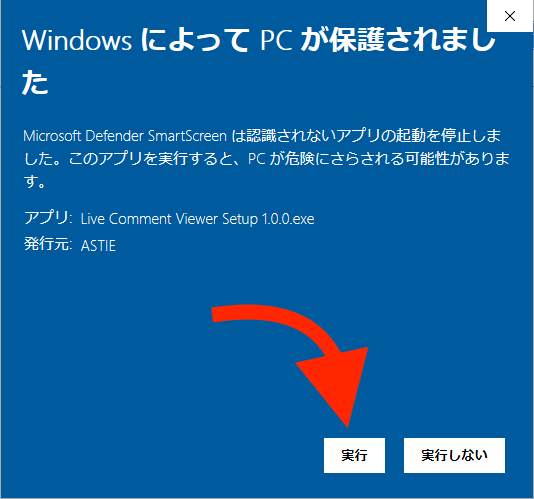 Windows protected your PCMicrosoft Defender SmartScreen prevented an unrecognized app from starting.Running this app might put your PC at risk.App: Live Comment Viewer Setup 1.0.0.exeRunDon't run
Click "Run anyway" to start the installation.
MacOS
If the permission setting for running downloaded applications is set to "App Store" or "App Store and identified developers," simply double-clicking the downloaded pkg file will show the following warning and prevent installation.
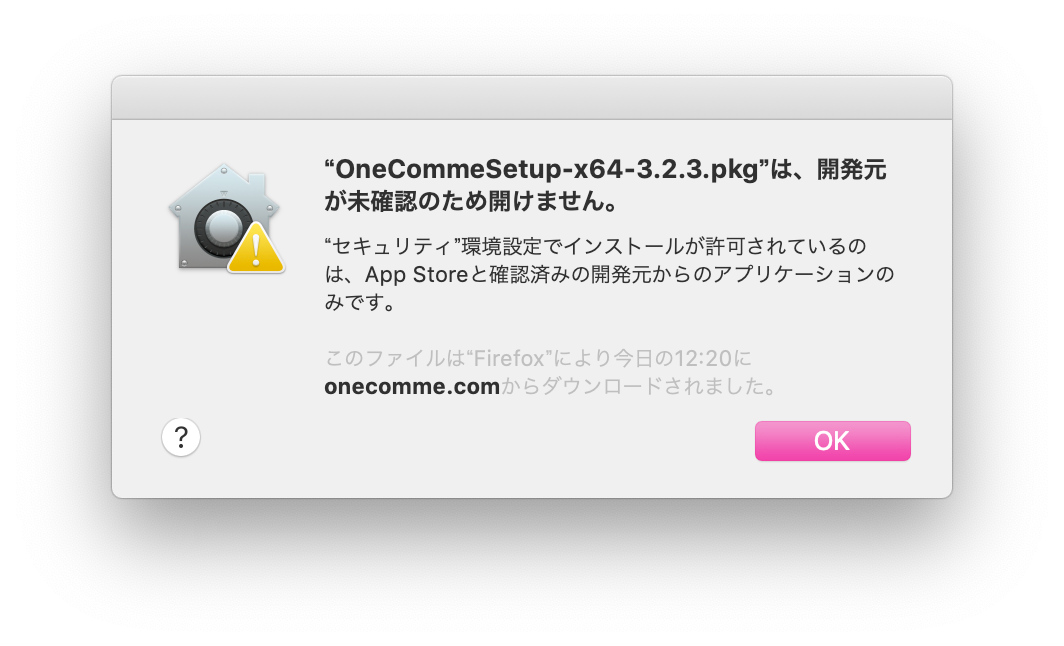 "OneCommeSetup-x64-3.2.3.pkg" cannot be opened because the developercannot be verified."Security" preferences only allow installation of appsfrom the App Store and identified developersThis file was downloaded by Firefox today at 12:20from onecomme.com
Control-click (or right-click) the file and select "Open" to proceed with the installation.
If the default application for pkg files is not the installer, choose the installer from "Open With" instead.
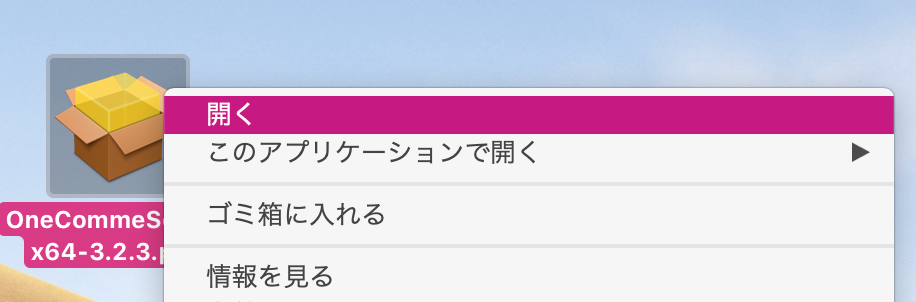 OpenOpen WithMove to TrashGet Info
If you are not signed in with an administrator account, or if settings are locked, you may be asked to authenticate.
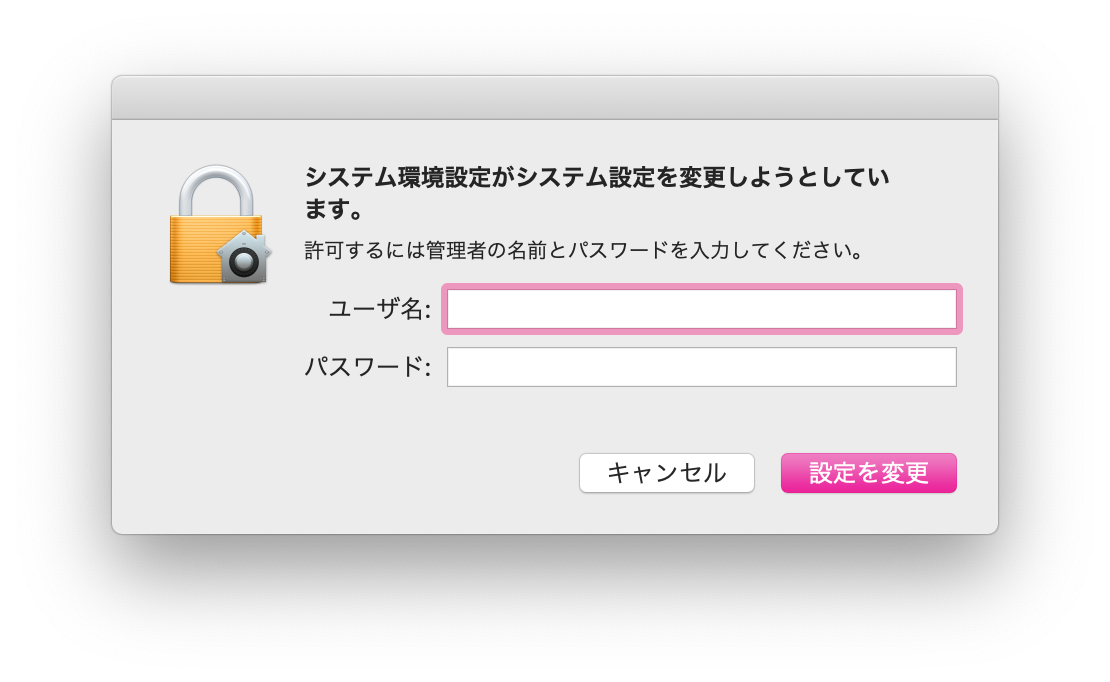 System Preferences is trying to change system settings.Enter an administrator name and password to allow this.UsernamePasswordCancel
The installer will then launch.